
Stop Wasting Time on DIY Tax Software: Try These 7 Quick Hacks from a Concierge Tax Pro
NEW HAVEN, CT – February 18, 2026 – DIY tax software promises speed and savings. Instead, most filers spend hours clicking through unnecessary screens, second-guessing deductions, and wondering if they missed something big.
The average taxpayer spends 13 hours completing their return using DIY software. That's nearly two full workdays. Meanwhile, a concierge tax pro can handle the same return in under two hours: and catch errors that could cost you hundreds or trigger an audit.
Here's what most software won't tell you: there are shortcuts built into the tax code that professionals use every single day. These seven quick hacks can cut your filing time in half and maximize your tax refund without the endless clicking.
Hack #1: Upload Everything Before You Start Clicking!
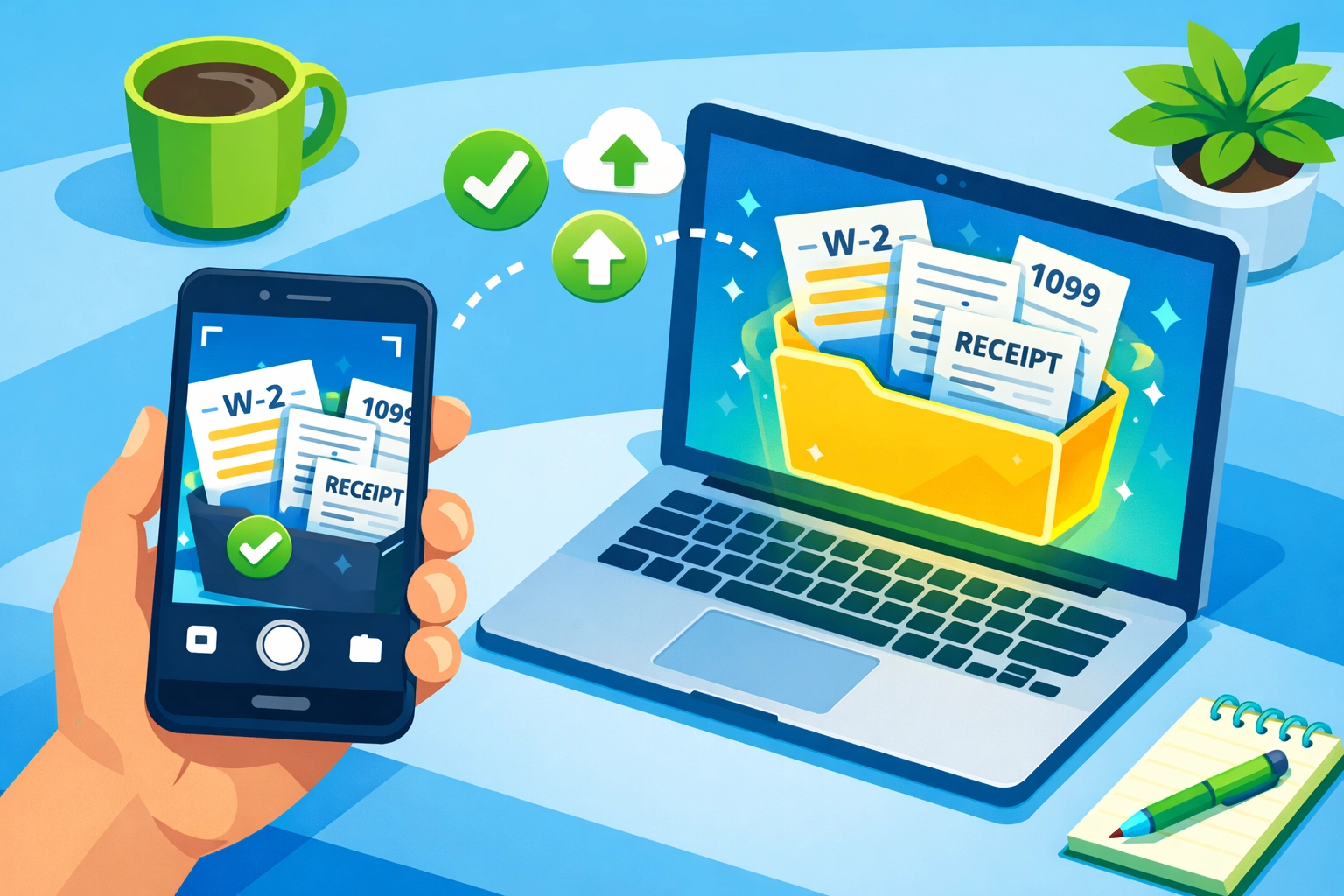
Stop entering data manually. Most taxpayers waste 3-4 hours typing numbers from W-2s, 1099s, and receipts directly into tax software.
Do this instead: Scan or photograph every tax document you receive. Upload them to a single digital folder before you open any software. Use your phone's document scanner (built into most camera apps) to create clean PDFs.
When you're ready to file, import these documents directly. TurboTax and H&R Block offer document upload features, but they bury them in the interface. A concierge tax pro uses this method for every client: it reduces data entry errors by 80% and saves massive amounts of time.
Pro tip: Name your files clearly: "2026_W2_MainJob.pdf" or "2026_1099INT_SavingsAccount.pdf." This organization takes five minutes upfront but saves 30 minutes during filing.
Hack #2: Master the "Above-the-Line" Deduction Strategy!
Tax software walks you through deductions in a scattered, confusing order. This wastes time and causes filers to miss valuable credits.
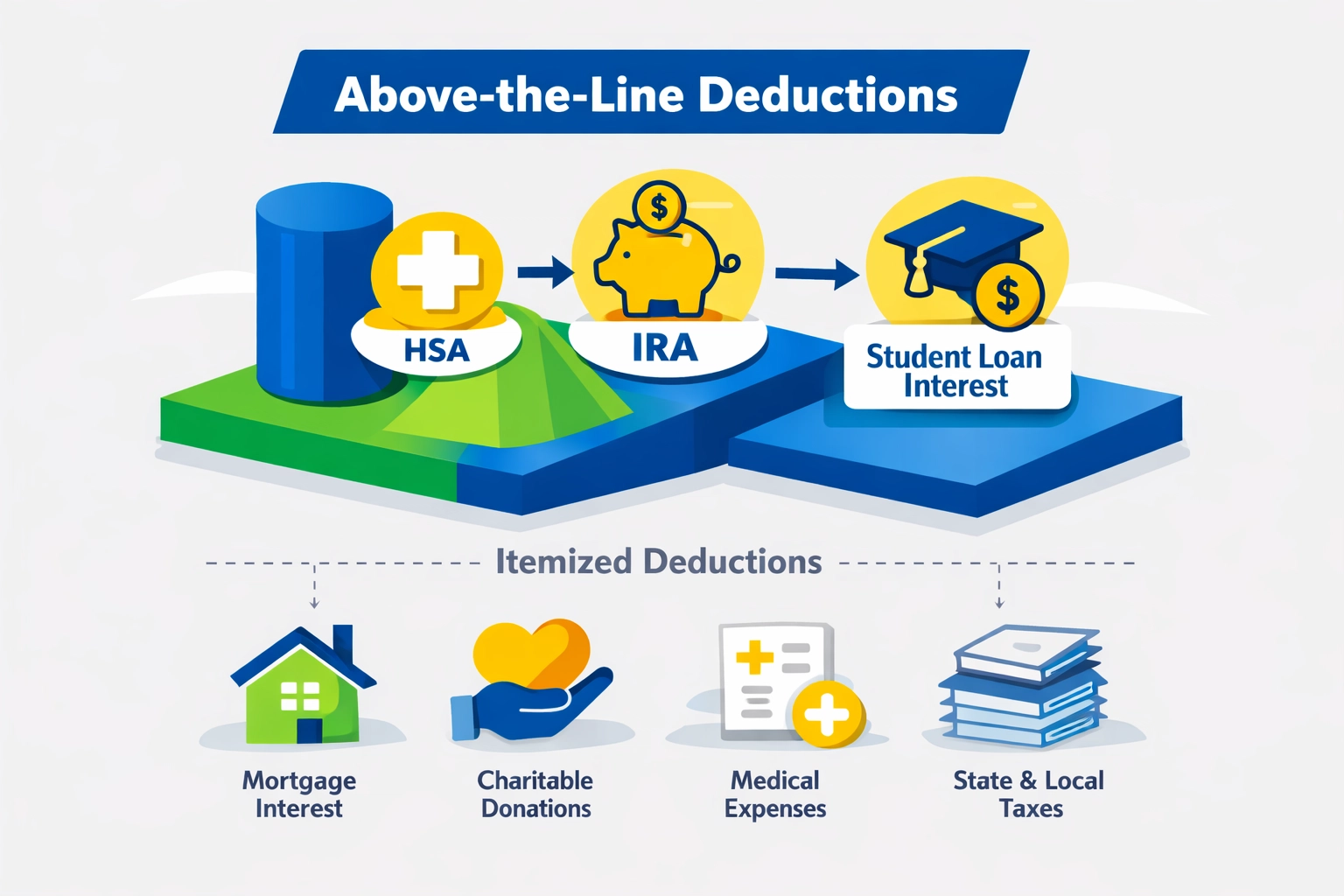
Follow this sequence: Enter "above-the-line" deductions first. These are adjustments to income that reduce your adjusted gross income (AGI) before you decide between standard and itemized deductions.
Key above-the-line deductions for 2026:
• Student loan interest (up to $2,500)
• Health savings account (HSA) contributions
• Self-employment tax deduction (50% of SE tax)
• IRA contributions (up to $7,000, or $8,000 if age 50+)
• Educator expenses (up to $300)
Enter these immediately after income. A lower AGI can qualify you for credits and deductions you'd otherwise miss. Tax software doesn't always explain this connection.
Hack #3: Check for Estimated Tax Payments as Immediate Credits!
Did you make quarterly estimated tax payments in 2025? Most DIY filers forget to claim these: and the software won't automatically find them.
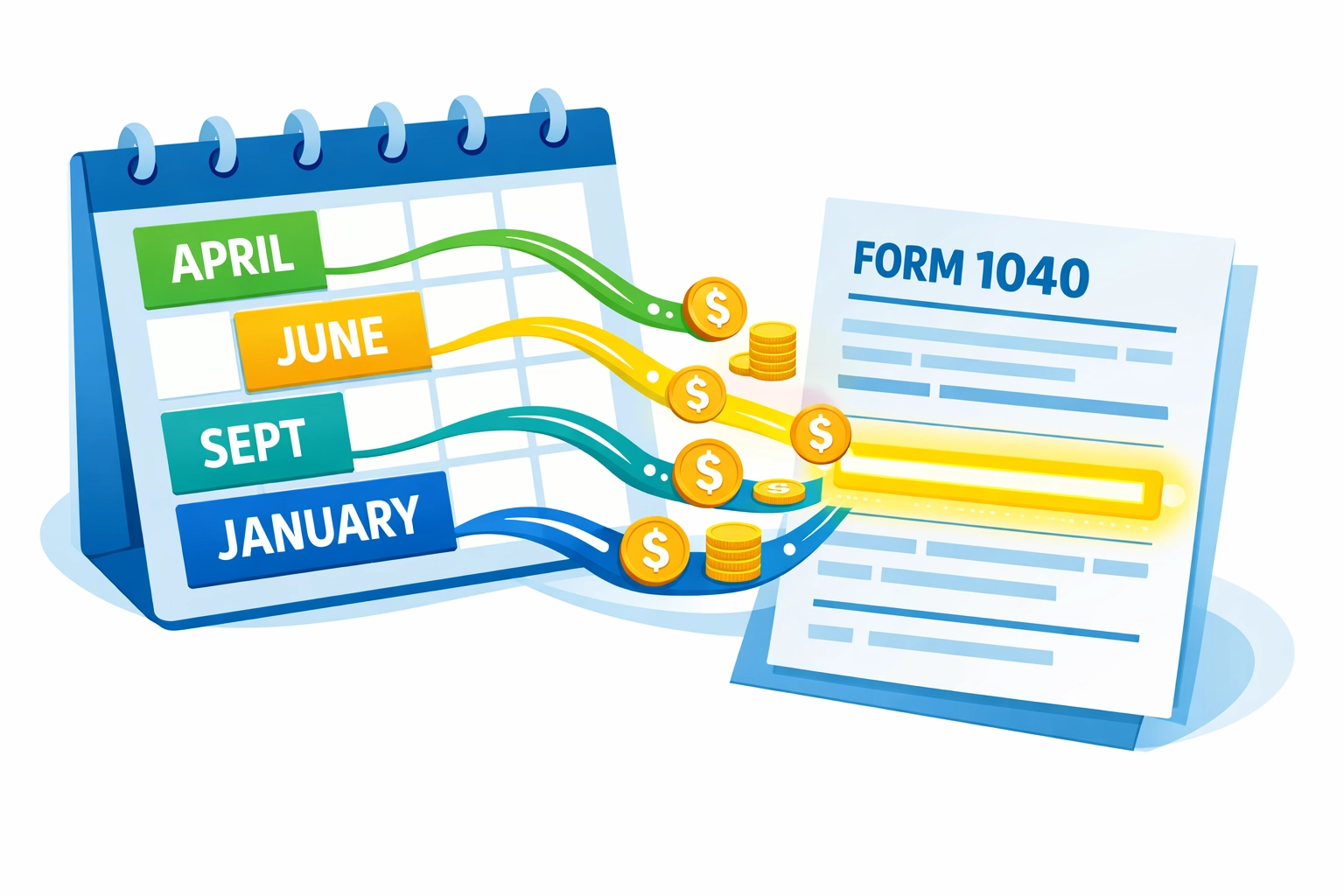
Search your records for Form 1040-ES payments. Every dollar you paid quarterly becomes a direct credit on line 26 of your Form 1040. This isn't a deduction: it's dollar-for-dollar credit that increases your refund or reduces what you owe.
If you can't find your payment records, check your bank statements for payments to "IRS" or "U.S. Treasury" between April 2025 and January 2026. A concierge tax pro always asks about estimated payments in the first five minutes. Don't skip this step.
Hack #4: Group Expenses by Category Before Data Entry!
Tax software forces you to enter itemized deductions one receipt at a time. This approach destroys productivity and increases errors.
Use the batch method instead: Before opening your tax software, create a simple spreadsheet with these columns:
• Medical expenses
• State and local taxes (SALT)
• Mortgage interest
• Charitable contributions
• Unreimbursed business expenses
Total each category first. Enter one number per category into your software. This method takes 15 minutes of prep work but saves 2+ hours of clicking through individual transactions.
For self-employed filers: Apply the same strategy to Schedule C expenses. Group office supplies, vehicle expenses, and professional services before touching the software. QuickBooks and similar tools export these summaries automatically: use that feature.
Hack #5: Check State-Specific Credits Before Federal Deductions!
Most filers work backward: they complete federal taxes first, then tackle state returns. This sequence wastes time and misses opportunities.
Start with your state's credit list. Connecticut, for example, offers credits for property tax payments, college savings contributions (CHET), and earned income that many residents overlook. These state credits often have documentation requirements that affect your federal return.
Research your state's Department of Revenue Services website. Look for the "Credits and Incentives" section. Identify every credit you qualify for and gather documentation first. When you file federal, you'll already have the supporting documents ready.
In New Haven and throughout Connecticut, the property tax credit alone can return $300-$500 to eligible residents. Don't leave that money on the table because you filed in the wrong order.
Hack #6: Use the Standard vs. Itemized Calculator Trick!
Tax software asks "Do you want to itemize?" too early in the process. Most filers guess wrong and waste time entering itemized deductions they'll never use.
Calculate your itemized total first: outside the software. For 2026, the standard deduction is:
• $15,000 for single filers
• $30,000 for married filing jointly
• $22,500 for head of household
Add up these four categories:
- Medical expenses exceeding 7.5% of AGI
- State and local taxes (capped at $10,000)
- Mortgage interest
- Charitable contributions
If your total exceeds your standard deduction by less than $1,000, take the standard deduction. The time saved isn't worth the minimal tax benefit. A concierge tax pro makes this calculation in 60 seconds: you should do the same.
Hack #7: Get a Professional Review Before Filing (Even If You DIY)!
The biggest mistake DIY filers make: clicking "submit" without a second set of eyes. Tax software catches math errors but misses strategic opportunities and questionable deductions that trigger audits.
Consider a hybrid approach. Complete your return using software, then schedule a review appointment with a concierge tax pro. At Jose's Tax Service, this review costs $0 upfront for first-time clients and typically takes 30-45 minutes via virtual or in-person consultation.
What a professional review catches:
• Overlooked credits (Earned Income Credit, Child Tax Credit adjustments)
• Incorrect filing status (head of household vs. single)
• Missing forms (Schedule 2, Form 8995 for QBI deduction)
• Audit red flags (home office deductions, hobby vs. business income)
• State tax optimization opportunities
This isn't about admitting defeat: it's about making sure you maximize your tax refund and avoid problems down the road. Tax preparation in New Haven has become increasingly complex with 2026's bracket changes and credit phase-outs. A 45-minute review can identify $500-$2,000 in missed opportunities.
Stop Wasting Time. Start Filing Smarter!
DIY tax software works for simple returns. But if you're spending more than two hours on your taxes, you're either missing deductions or working inefficiently.
These seven hacks cut filing time in half and ensure accuracy. Use the upload strategy to eliminate data entry errors. Master above-the-line deductions to lower your AGI. Check for estimated payments and state credits. Group expenses before entering data. Calculate itemized vs. standard deductions upfront. Get a professional review before submitting.
Ready to file with confidence? Jose's Tax Service offers both virtual and in-person consultations for New Haven area taxpayers. Whether you want full concierge service or just a final review of your DIY return, our team ensures you maximize your tax refund without the hassle.
Schedule your $0 upfront consultation today at josestaxservice.com. Stop guessing. Start saving time and money on your 2026 taxes.

Leave a Reply
You must be logged in to post a comment.