
Got a 1099-K from Venmo or PayPal? Here’s What New Haven Freelancers Need to Know
You just opened your Venmo or PayPal account and there it is: a 1099-K form staring back at you. If you're a New Haven freelancer, side hustler, or small business owner who uses payment apps to get paid, this form might be new territory. And let's be real: it can feel confusing.
Here's the good news: understanding your 1099-K doesn't have to be complicated. This guide breaks down exactly what this form means, what triggers it, and what you need to do before the tax deadline hits.
What Is a 1099-K and Why Did You Receive One?
Form 1099-K is an official IRS document. Payment platforms like Venmo, PayPal, Cash App, and others use it to report your transaction activity to the IRS. Think of it as a receipt: but one that goes directly to Uncle Sam.
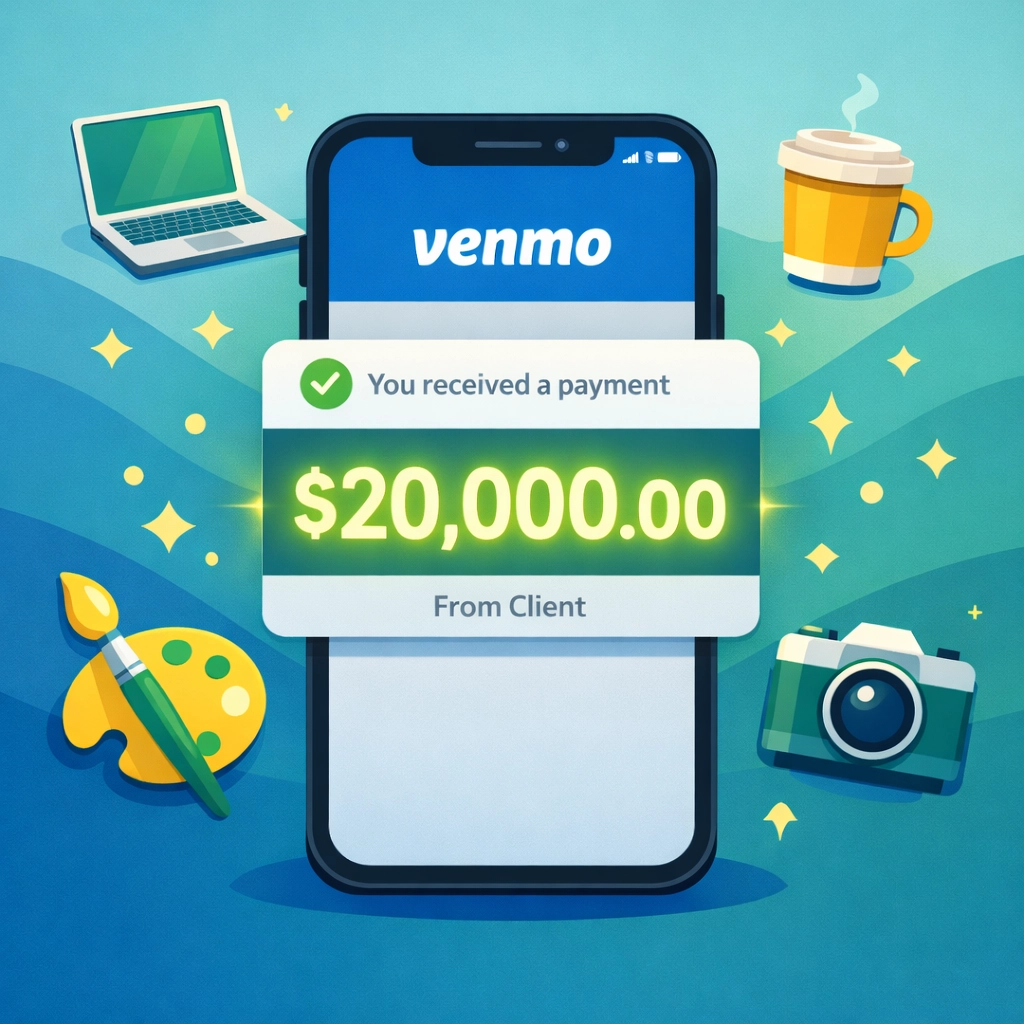
You received a 1099-K because you met the reporting threshold. For the 2025 calendar year (taxes filed in 2026), that threshold is $20,000 in gross payments AND more than 200 separate transactions for goods or services.
Let's be clear about what counts:
- Business payments count. If you got paid for freelance work, selling products, consulting, or services, those transactions are included.
- Friends and family payments do NOT count. Splitting rent, reimbursing someone for concert tickets, or Venmo-ing your buddy for pizza? Those are excluded.
The IRS restored this higher threshold in 2025 after briefly considering a $600 limit. Connecticut doesn't have a separate state-specific threshold, so New Haven freelancers follow the federal rule.
Breaking Down the Numbers on Your 1099-K
Your 1099-K shows the total gross amount of payments you received through the platform. This is important: it's not your profit. It's not your taxable income. It's simply the total money that flowed through your account for business purposes.
Here's what might be included in that number:
- Payments for goods or services you provided
- Reimbursements for business expenses
- Shipping costs customers paid you
- Sales tax you collected
Not everything on the form is taxable income. This trips up a lot of freelancers. You don't automatically owe taxes on the full amount shown on the 1099-K.
For example, if you sold handmade items on Etsy and received $25,000 in payments through PayPal, but $3,000 of that was shipping costs and $1,500 was sales tax you collected, your actual business income is $20,500. You'll need to document this when you file.
The Biggest Mistakes New Haven Freelancers Make With 1099-K Forms
Mistake #1: Ignoring the form entirely.
Some freelancers think, "I didn't get a W-2, so maybe I don't need to report this." Wrong. Even if you didn't receive a 1099-K because you fell below the threshold, you still must report all business income on your tax return. The IRS expects it.
Mistake #2: Reporting the gross amount as income without deductions.
If you report the full 1099-K amount without accounting for business expenses, reimbursements, or cost of goods sold, you'll overpay your taxes. This is where working with a concierge tax pro makes a massive difference.
Mistake #3: Not keeping detailed records.
A timestamp from a Venmo transaction isn't enough to prove a business expense. You need invoices, receipts, mileage logs, and documentation. If the IRS audits you, they want proof: not just a list of transactions.
Mistake #4: Mixing personal and business payments.
If you use the same Venmo account for both business transactions and personal payments, separating them becomes a nightmare at tax time. Open a separate business account or use different payment methods.
Action Steps Every Freelancer Should Take Right Now
Step 1: Access your 1099-K.
Log into your PayPal or Venmo account and navigate to the Statements & Tax Center. Your 1099-K should be available by January 31. Download it and save a copy.
Step 2: Compare the form to your own records.
Pull up your invoices, transaction history, and bookkeeping records. Does the 1099-K amount match what you expected? If not, figure out why. Discrepancies happen: sometimes payments are dated in different years, or refunds aren't reflected.
Step 3: Identify non-taxable amounts.
Go through the transactions line by line. Mark which amounts were:
- Reimbursements from clients
- Shipping costs
- Sales tax collected
- Personal payments that shouldn't have been flagged as business
Step 4: Calculate your actual business income.
Start with the gross amount on the 1099-K. Subtract non-taxable items. Then subtract your legitimate business expenses:
- Home office deduction
- Software and subscriptions
- Marketing and advertising costs
- Mileage and travel
- Professional development
- Equipment purchases
This gives you your net business income: the number you'll actually report on Schedule C of your tax return.
Step 5: Report the income correctly.
Even if your business lost money, you still need to file. Use Schedule C (Form 1040) to report your income and expenses. If your net earnings from self-employment are $400 or more, you'll also owe self-employment tax (Social Security and Medicare).
Why New Haven Freelancers Are Choosing Concierge Tax Preparation
Here's the reality: tax laws change constantly. The 1099-K threshold bounced around for years. State rules vary. Deductions get updated. Keeping track of it all while running your business? That's a full-time job.
Concierge tax preparation means you work one-on-one with a dedicated tax professional who handles the details for you. At Jose's Tax Service, we specialize in tax preparation New Haven freelancers and small business owners can trust.
Here's what that looks like:
- We review your 1099-K and cross-check it against your records
- We identify every deduction you're eligible for to maximize tax refund potential
- We handle Schedule C, self-employment tax, and quarterly estimated payments
- We explain your tax situation in plain English: no jargon, no confusion
- We're available year-round for questions (not just during tax season)
You shouldn't have to guess whether you're doing your taxes correctly. And you definitely shouldn't overpay because you missed deductions or reported numbers incorrectly.
What If You Didn't Receive a 1099-K?
If you earned business income through Venmo or PayPal but didn't hit the $20,000 and 200-transaction threshold, you won't receive a 1099-K. You still need to report that income.
The IRS doesn't care whether you got a form or not. All business income is taxable. Keep your own records and report accurately.
Also, watch for these situations:
- You might receive multiple 1099-K forms if you use different payment platforms
- If you had backup withholding applied (usually for missing or incorrect tax ID information), that will show on your form
- Some states have lower thresholds: though Connecticut currently does not

Quarterly Estimated Taxes: Don't Get Caught Off Guard
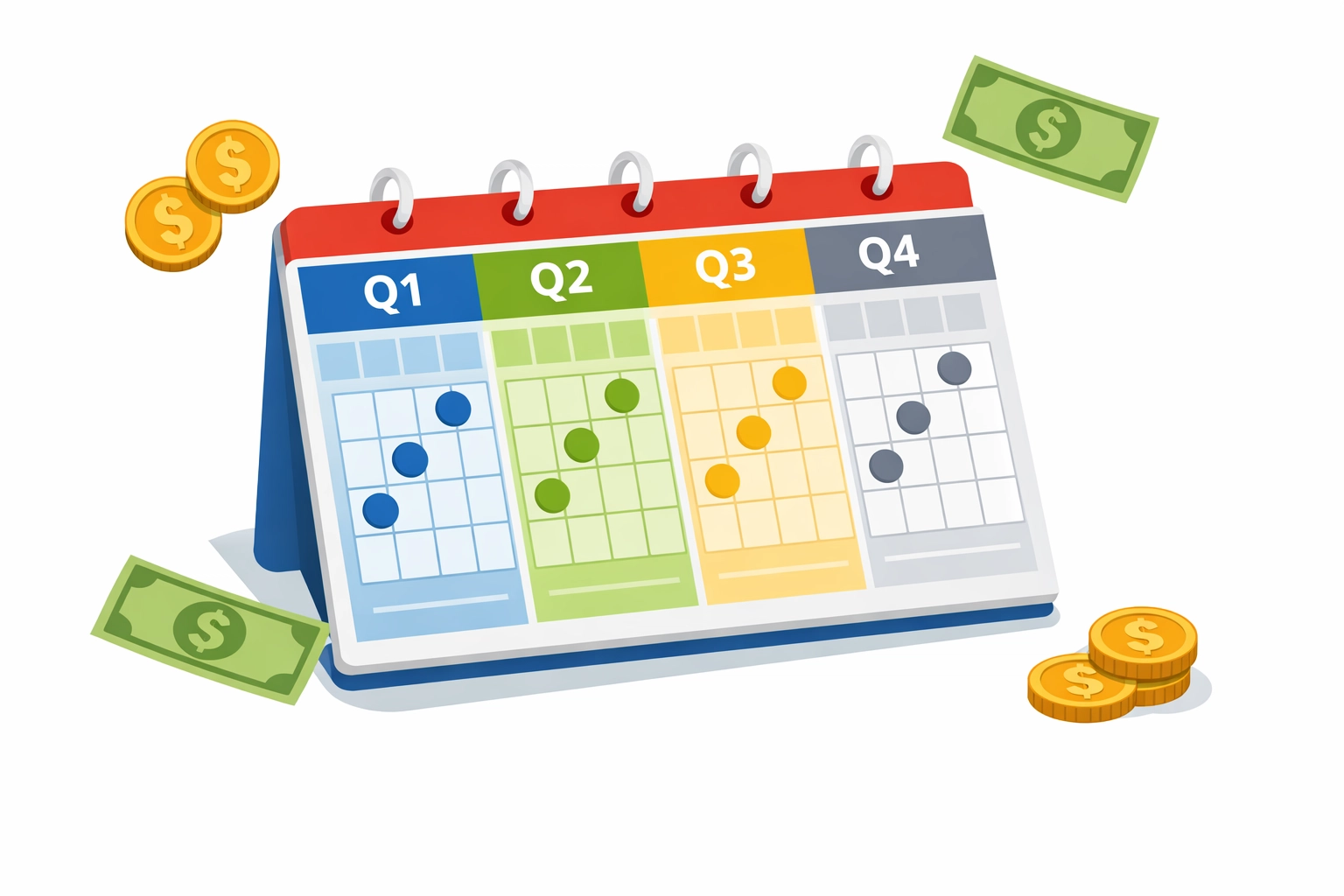
If you're a freelancer or gig worker, you typically don't have taxes withheld from your payments. That means you're responsible for paying estimated taxes quarterly.
Miss those quarterly payments and you could face penalties and interest charges. The IRS expects you to pay as you earn: not just once a year.
Quarterly tax deadlines for 2026:
- April 15, 2026
- June 16, 2026
- September 15, 2026
- January 15, 2027
A concierge tax pro can calculate your quarterly payments for you and send reminders so you never miss a deadline.
Get Expert Help With Your 1099-K
Filing taxes as a freelancer is more complex than a standard W-2 return. Between 1099-K forms, business deductions, self-employment tax, and quarterly payments, there are a lot of moving parts.
Jose's Tax Service helps New Haven freelancers navigate these complexities every day. Whether you're a graphic designer, consultant, rideshare driver, or Etsy seller, we'll make sure you're filing correctly and keeping more money in your pocket.
Don't let a 1099-K form stress you out. Get professional guidance and file with confidence.
Ready to get your taxes handled the right way? Visit Jose's Tax Service or call us today to schedule a consultation. Let's make tax season simple.

Leave a Reply
You must be logged in to post a comment.