
Got a 1099-K From PayPal, Venmo, or Etsy? What New Haven Side Hustlers Need to Know Before Filing in 2026
New Haven, CT – February 14, 2026 – If you found a 1099-K form from PayPal, Venmo, Etsy, or another payment platform in your mailbox this year, you're not alone. Thousands of Connecticut side hustlers are facing new reporting requirements that can feel overwhelming: especially if this is your first time dealing with payment processor tax forms.
The good news? Understanding your 1099-K doesn't have to be complicated. Here's what New Haven gig workers, online sellers, and freelancers need to know before filing their 2026 tax returns.
What Is a 1099-K and Why Did You Get One?
A 1099-K is an information return that reports payment card and third-party network transactions. Payment platforms like PayPal, Venmo, CashApp, Etsy, and eBay are required to send this form to the IRS: and to you: if your account meets specific thresholds.
For tax year 2025 (filed in 2026), you received a 1099-K only if you met BOTH of these conditions:
- Your gross payments exceeded $20,000
- You completed more than 200 separate transactions
Both conditions must be met. This means if you processed $25,000 but only had 150 transactions, no 1099-K would be issued. Similarly, 300 transactions totaling $12,500 would not trigger the form.
These thresholds are applied per platform and per payee. If you maintain multiple PayPal accounts or sell on both Etsy and eBay, each account is tracked separately for reporting purposes.

The Threshold That Almost Happened (But Didn't)
You may have heard about a proposed $600 threshold that caused panic among gig workers in previous years. The IRS initially planned to lower the 1099-K reporting threshold to just $600 with no transaction minimum, which would have affected millions of casual sellers and small-time freelancers.
That change has been repeatedly delayed. For 2025 income (tax year 2026), the original $20,000 and 200-transaction threshold remains in effect. However, tax professionals expect the IRS to eventually implement a lower threshold, so maintaining detailed records now will protect you in future years.
Connecticut's State Requirements: What New Haven Residents Must Know
Here's where things get tricky. While federal thresholds remain at $20,000 and 200 transactions, several states have implemented their own lower thresholds for 1099-K reporting.
States like Massachusetts, Maryland, Virginia, and Vermont maintain $600 thresholds. Rhode Island's threshold is just $100. Connecticut currently follows the federal threshold, but state tax laws can change rapidly.
If you conduct business across state lines or have customers in multiple states, consult with a local tax professional. Jose's Tax Service stays current on both federal and Connecticut-specific requirements, ensuring New Haven side hustlers don't miss critical state-level reporting obligations.
Step 1: Verify Your 1099-K Against Your Business Records
Do not assume your 1099-K is accurate. Payment processors can make errors, include refunds in gross totals, or report transactions incorrectly.
Take these verification steps immediately:
- Compare the gross amount on your 1099-K to your own transaction records
- Check for duplicate reporting across multiple forms
- Identify any personal transactions incorrectly included
- Note refunds, chargebacks, or returned items that should not count as income
- Document discrepancies with screenshots and receipts
If amounts don't match your records, contact the payment processor directly to request a corrected form. Keep all correspondence and documentation. The IRS receives a copy of every 1099-K issued, so resolving errors before filing prevents future audits and notices.

Step 2: Understand What You Actually Owe Taxes On
The 1099-K reports gross payment volume: not taxable income. This is a critical distinction that trips up many first-time filers.
Your 1099-K does NOT account for:
- Cost of goods sold (materials, inventory purchases)
- Business expenses (shipping, packaging, platform fees)
- Refunds and returns processed
- Sales tax collected and remitted
- Business mileage and vehicle expenses
- Home office deductions
- Marketing and advertising costs
You report your net profit, not the gross amount shown on the 1099-K. If your form shows $22,000 in transactions but you spent $15,000 on inventory and $3,000 on shipping and fees, your taxable income is approximately $4,000: not $22,000.
Detailed expense tracking is essential. Jose's Tax Service helps New Haven small business owners organize deductible expenses to maximize legitimate write-offs and minimize tax liability.
Step 3: Report All Income: Even Without a 1099-K
If you earned side income but stayed under the $20,000 and 200-transaction thresholds, you did not receive a 1099-K. This does not mean your income is tax-free.
All income is taxable, regardless of whether you receive a reporting form. The IRS expects you to report earnings from:
- Freelance consulting or contract work
- Online marketplace sales (Etsy, eBay, Mercari)
- Rideshare driving (Uber, Lyft)
- Food delivery (DoorDash, Grubhop, Uber Eats)
- Rental income from Airbnb or Vrbo
- Digital products or online courses
- Social media sponsorships or influencer income
Your personal records serve as your source of truth. Maintain a simple spreadsheet tracking dates, transaction amounts, and descriptions. Bank and PayPal statements can verify your records if questioned.

Filing Your Return: Where Does 1099-K Income Get Reported?
How you report 1099-K income depends on your business structure and activity type.
For most New Haven side hustlers, you'll use Schedule C (Form 1040), Profit or Loss from Business. This is where you report gross receipts, deduct business expenses, and calculate net profit.
Enter your gross receipts on Line 1 of Schedule C. This should match the total of all 1099-K forms you received plus any unreported income. Subtract your cost of goods sold on Lines 4 and 42, then deduct business expenses in Part II. Your net profit flows to Form 1040 and is subject to both income tax and self-employment tax.
Self-employment tax is often the biggest surprise for first-time filers. This 15.3% tax covers Social Security and Medicare contributions typically withheld from employee paychecks. If your net self-employment income exceeds $400, you must file Schedule SE and pay this additional tax.
Common Mistakes That Trigger IRS Notices
Mistake #1: Not reporting 1099-K income at all. The IRS matches all 1099-K forms to tax returns using automated systems. Unreported income generates automated CP2000 notices proposing additional tax, penalties, and interest.
Mistake #2: Double-reporting income. If you received both a 1099-NEC from a client and those same payments appear on your 1099-K, report the income only once. Document which payments overlap to avoid inflating your taxable income.
Mistake #3: Claiming personal expenses as business deductions. Your morning Dunkin' run isn't deductible just because you checked email on your phone. Only ordinary and necessary business expenses qualify. Aggressive or questionable deductions increase audit risk.
Mistake #4: Missing quarterly estimated tax payments. If you expect to owe $1,000 or more in tax from self-employment income, you must make quarterly estimated payments using Form 1040-ES. Underpayment can trigger penalties even if you pay your full tax bill by April 15th.
What to Do If You Can't Afford Your Tax Bill
Owing more than expected is stressful, but options exist. The IRS offers several payment plans:
- Short-term payment plans (up to 180 days) have minimal fees
- Long-term installment agreements spread payments over up to 72 months
- Offer in Compromise may reduce your total tax debt in cases of financial hardship
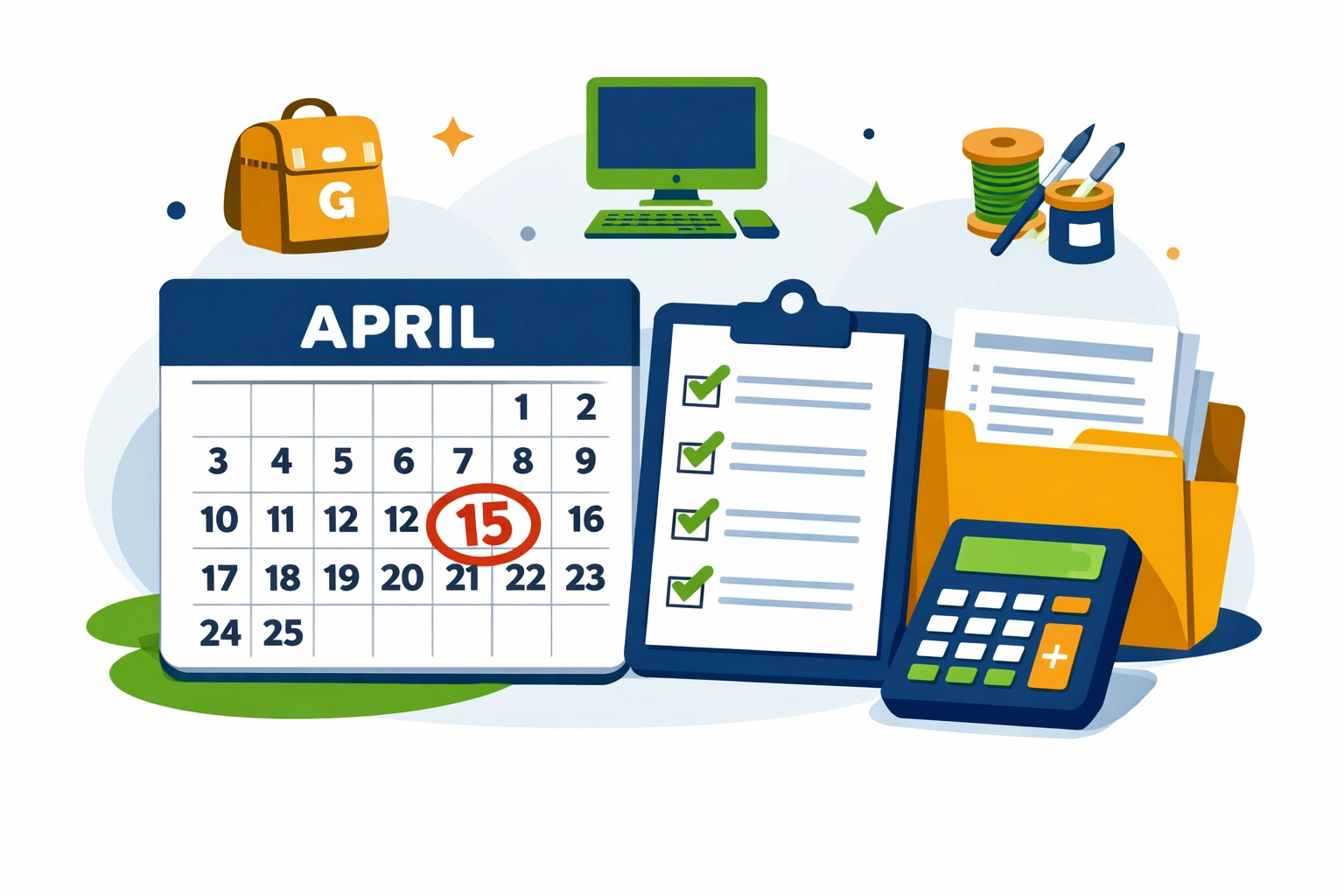
File your return by the April 15th deadline even if you can't pay in full. Filing on time avoids the failure-to-file penalty (5% per month, up to 25%). The failure-to-pay penalty is much lower (0.5% per month).
Contact the IRS immediately to set up a payment arrangement. Ignoring tax debt leads to liens, levies, and wage garnishment.
How Jose's Tax Service Helps New Haven Side Hustlers
Navigating 1099-K reporting, Schedule C preparation, and self-employment tax calculations can be overwhelming: especially while running your business. Jose's Tax Service provides personalized tax preparation at competitive rates, ensuring New Haven gig workers and small business owners maximize deductions while staying compliant.
Services include:
- 1099-K verification and income reconciliation
- Schedule C preparation with full expense optimization
- Quarterly estimated tax calculation and payment planning
- Connecticut state return preparation
- Year-round tax planning consultations
Don't let confusing tax forms derail your side hustle success. Schedule an appointment with Jose's Tax Service before the April 15th deadline.
Action Steps for New Haven Side Hustlers
Complete these tasks before filing your 2026 return:
- Gather all 1099-K forms from PayPal, Venmo, Etsy, and other platforms
- Compile receipts and documentation for all business expenses
- Calculate total income from all sources, including unreported amounts under thresholds
- Verify 1099-K amounts against bank statements and payment processor records
- Organize deductible expenses by category (supplies, shipping, fees, mileage)
- Schedule a tax preparation appointment if you have questions or complex situations
Side hustle income can significantly impact your tax situation, but proper planning and professional guidance ensure you keep more of what you earn. Visit Jose's Tax Service or call today to discuss your 2026 filing needs.
The April 15th deadline is approaching. Don't wait until the last minute to address 1099-K reporting and self-employment tax obligations.

Leave a Reply
You must be logged in to post a comment.