
Got a 1099-K from Venmo or PayPal? Here’s What New Haven Freelancers Need to Know
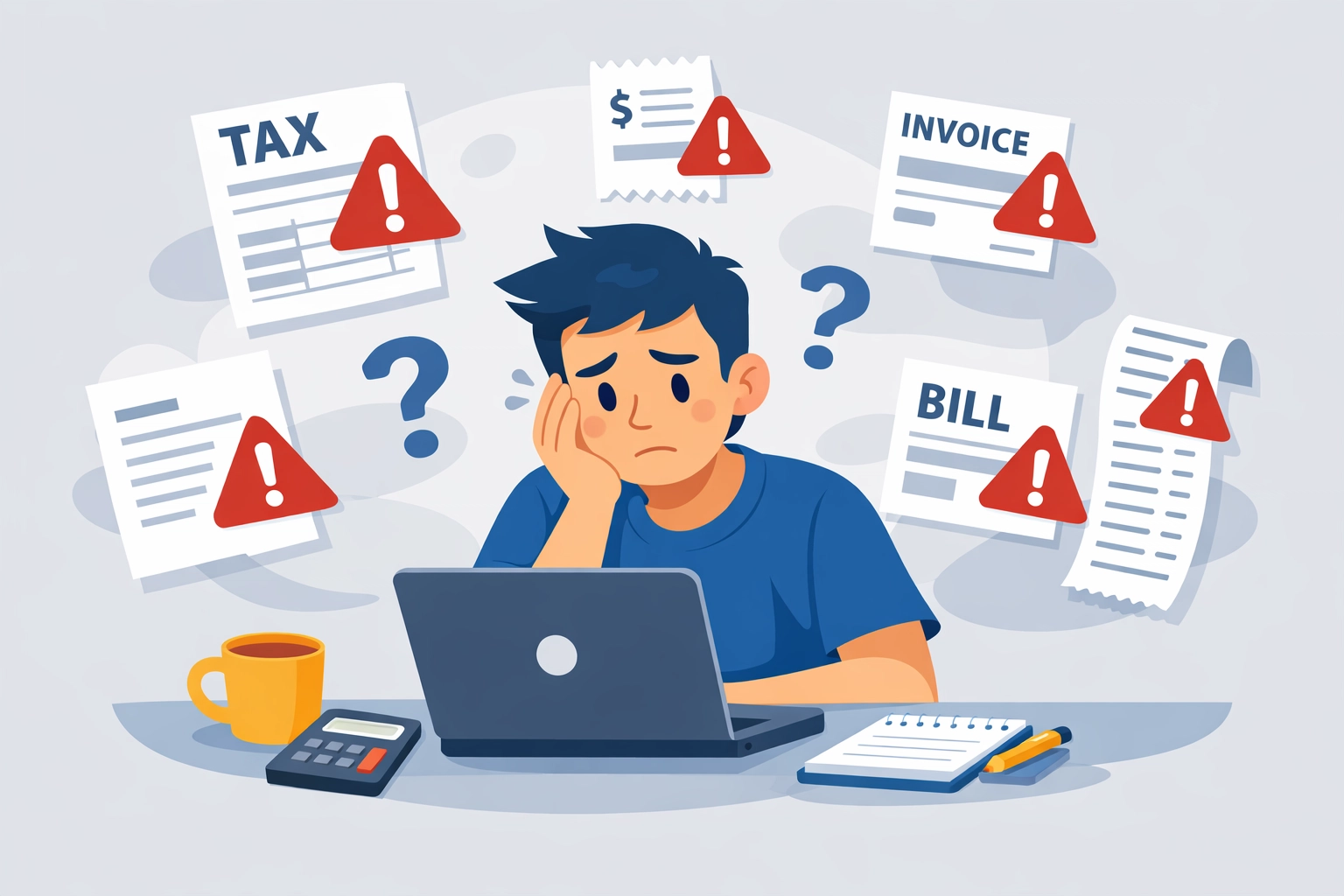
So you opened your mailbox (or inbox) and found a 1099-K form from Venmo or PayPal. Now what?
If you're a freelancer, side hustler, or small business owner in New Haven, this form probably raised some questions: and maybe a little panic. Don't worry. You're not alone, and you're definitely not in trouble. But you do need to understand what this form means and how it affects your 2026 tax return.
Here's everything New Haven freelancers need to know about the 1099-K reporting threshold, what counts as taxable income, and how to avoid costly mistakes when filing your taxes.
What Is a 1099-K Form?
A 1099-K is an IRS information return that reports payments you received through third-party payment networks like Venmo, PayPal, Zelle, Cash App, and others. Think of it as the digital equivalent of a 1099-NEC or 1099-MISC: except it tracks payments processed through apps instead of direct payments from clients.
The IRS receives a copy of your 1099-K. That means they already know you received this income. Your job is to report it accurately on your tax return.
The form shows your gross payment volume: the total amount of money that flowed through your account for goods and services during the tax year. It does not account for expenses, refunds, or personal transactions (more on that in a minute).

The 2025 Reporting Threshold: What Triggers a 1099-K?
For the 2025 tax year (which you'll file in 2026), you'll receive a 1099-K if you received more than $20,000 in payments AND completed at least 200 transactions for goods and services through Venmo, PayPal, or similar platforms.
This threshold only applies to business payments: money you received for:
- Freelance services (graphic design, writing, consulting, etc.)
- Selling products online
- Side hustle income (tutoring, photography, event planning)
- Gig economy work routed through payment apps
Personal transactions don't count. If your roommate Venmo'd you $50 for pizza, or your mom sent you $200 as a birthday gift, those payments are exempt and should not be included in your 1099-K total.
However, there's a catch: many freelancers mix personal and business payments in the same account. If that's you, keep reading: you'll need to separate those transactions carefully.
Personal vs. Business Transactions: Know the Difference!
This is where things get tricky for New Haven freelancers.
Let's say you received $25,000 through Venmo last year. Your 1099-K reports that full amount. But $5,000 of that was personal: friends reimbursing you for concert tickets, splitting rent, or sending birthday money.
The IRS doesn't automatically know which payments were personal. If you don't separate them properly, you could end up paying taxes on money you never actually earned.
Here's how to handle it:
Step 1: Download your full transaction history from Venmo or PayPal. Most platforms let you export statements by date range.
Step 2: Categorize every transaction. Mark each payment as either:
- Business income (services or goods sold)
- Personal transfer (gifts, reimbursements, shared expenses)
Step 3: Document everything. Keep receipts, invoices, and notes explaining what each payment was for. If the IRS questions your return, you'll need proof that certain payments were non-taxable.
Step 4: Report only the taxable portion. On your Schedule C (if you're self-employed), report your actual business income: not the inflated gross total on your 1099-K.

Common Mistakes New Haven Freelancers Make with 1099-K Forms
Working with freelancers and side hustlers here in New Haven, I've seen the same mistakes pop up year after year. Avoid these pitfalls:
Mistake #1: Reporting the Gross Amount Without Adjustments
Your 1099-K shows gross receipts, not net income. If you sold $10,000 worth of products but spent $4,000 on supplies, your taxable income is $6,000: not $10,000. Always deduct legitimate business expenses.
Mistake #2: Ignoring the 1099-K Because It Seems Wrong
Maybe you think the amount is inflated or includes personal payments. That doesn't mean you can ignore the form. The IRS has a copy. If you don't address it on your return, you may trigger an audit or receive a notice demanding payment on "unreported income."
Solution: File your return accurately and attach an explanation if needed. Better yet, work with a concierge tax pro who can handle discrepancies for you.
Mistake #3: Not Tracking Expenses Throughout the Year
If you wait until tax season to gather receipts, you'll miss deductions: and overpay on your taxes. Track business expenses monthly using apps like QuickBooks Self-Employed, Expensify, or even a simple spreadsheet.
Mistake #4: Mixing Personal and Business Accounts
If your Venmo account handles both personal and business payments, you're setting yourself up for headaches. Open a separate account for business transactions only. It simplifies recordkeeping and protects you during an audit.
What If Your 1099-K Is Wrong?
Sometimes payment platforms make mistakes. Maybe they classified a personal payment as business income, or they reported transactions that were refunded.
If your 1099-K contains errors, contact the payment platform immediately and request a corrected form. You'll need to provide:
- Supporting documentation (bank statements, receipts, transaction records)
- A clear explanation of the error
- Proof that certain payments were personal or refunded
Payment platforms are required to issue corrected 1099-K forms if they made a reporting mistake. Don't assume the IRS will figure it out on their own.
How to Report 1099-K Income on Your Tax Return
If you're self-employed or run a side hustle, you'll report your 1099-K income on Schedule C (Form 1040), which calculates your profit or loss from business activities.
Here's the process:
- Enter your gross receipts from your 1099-K (Box 1a).
- Subtract any non-taxable amounts (personal payments, refunds, chargebacks).
- Deduct business expenses (supplies, software, mileage, home office, marketing, etc.).
- Calculate your net profit, which is your taxable self-employment income.
- Transfer that amount to Form 1040 and pay self-employment tax (Social Security and Medicare) on your net earnings.
If you also received traditional 1099-NEC or 1099-MISC forms from clients, you'll combine all self-employment income on the same Schedule C.
Pro tip: Self-employment tax is 15.3% on top of your regular income tax. Many New Haven freelancers are shocked by their tax bill because they didn't set aside money throughout the year. A good rule of thumb? Save 25-30% of every payment for taxes.
State Reporting: Does Connecticut Have Different Rules?
Yes. Connecticut has its own 1099-K reporting requirements, and they may differ from federal thresholds. Some states require reporting at lower amounts or have additional rules for marketplace sellers.
Check Connecticut's current 1099-K threshold with a local tax professional to ensure compliance at both the federal and state level. Missing a state filing requirement can result in penalties, even if your federal return is correct.
How Jose's Tax Service Helps New Haven Freelancers Maximize Their Refund
Here's the thing about 1099-K forms: they're designed to track income, not to help you maximize your tax refund. That's where expert tax preparation in New Haven makes all the difference.
At Jose's Tax Service, we specialize in helping freelancers, gig workers, and side hustlers navigate messy income situations. We'll help you:
- Separate personal and business transactions so you're not overpaying on non-taxable income
- Identify every possible deduction to lower your taxable income
- Handle discrepancies and errors in your 1099-K forms
- Plan quarterly estimated tax payments so you're never caught off guard
- Avoid IRS notices and audits by filing accurate, well-documented returns
Think of it this way: you could spend hours sorting through transaction records, Googling tax rules, and hoping you got it right. Or you could work with a concierge tax pro who does this every day and knows exactly how to protect your money.
We've helped hundreds of New Haven freelancers turn tax stress into tax savings. If you received a 1099-K this year, don't wait until April to figure it out.

Action Steps: What to Do Right Now
If you received a 1099-K from Venmo, PayPal, or another payment app, take these steps immediately:
1. Review the form for accuracy. Compare the reported amount to your own records.
2. Download your full transaction history from the payment platform.
3. Categorize each transaction as business income or personal transfer.
4. Gather receipts and documentation for all business expenses.
5. Set aside money for taxes if you haven't already. Assume 25-30% of your net profit.
6. Contact Jose's Tax Service if you need help sorting through the numbers or want to maximize your refund.
The deadline for filing your 2025 tax return is April 15, 2026. Don't wait until the last minute: especially if you have self-employment income to report.
Need Help with Your 1099-K? Let's Talk.
Tax preparation doesn't have to be stressful. Whether you're a full-time freelancer or just have a side hustle bringing in extra cash, Jose's Tax Service is here to help New Haven residents file with confidence.
We'll make sure your 1099-K is handled correctly, your deductions are maximized, and your refund is as big as possible. No surprises. No penalties. Just smart, personalized tax prep from a team that understands your business.
Ready to stop stressing and start saving? Visit josestaxservice.com or give us a call today. Let's get your taxes done right.

Leave a Reply
You must be logged in to post a comment.