
Tax Record Organization: 5 Pro Tips to Stay Stress-Free in 2026
New Haven, CT : January 28, 2026 : Tax season is here, and if you're already feeling that familiar knot in your stomach, you're not alone. Every year, thousands of New Haven residents scramble to find missing W-2s, dig through shoeboxes of receipts, and wonder why they didn't get organized sooner.
Here's the good news: tax record organization doesn't have to be complicated. With a few simple strategies, you can take control of your documents, reduce your stress, and even maximize your refund. These 2026 tax filing tips are designed to help you stay ahead of the game: whether you're filing as an individual, a family, or a small business owner.
Let's dive into five pro tips that will keep you stress-free this tax season and beyond.
Tip #1: Centralize All Your Tax Documents in One Location!
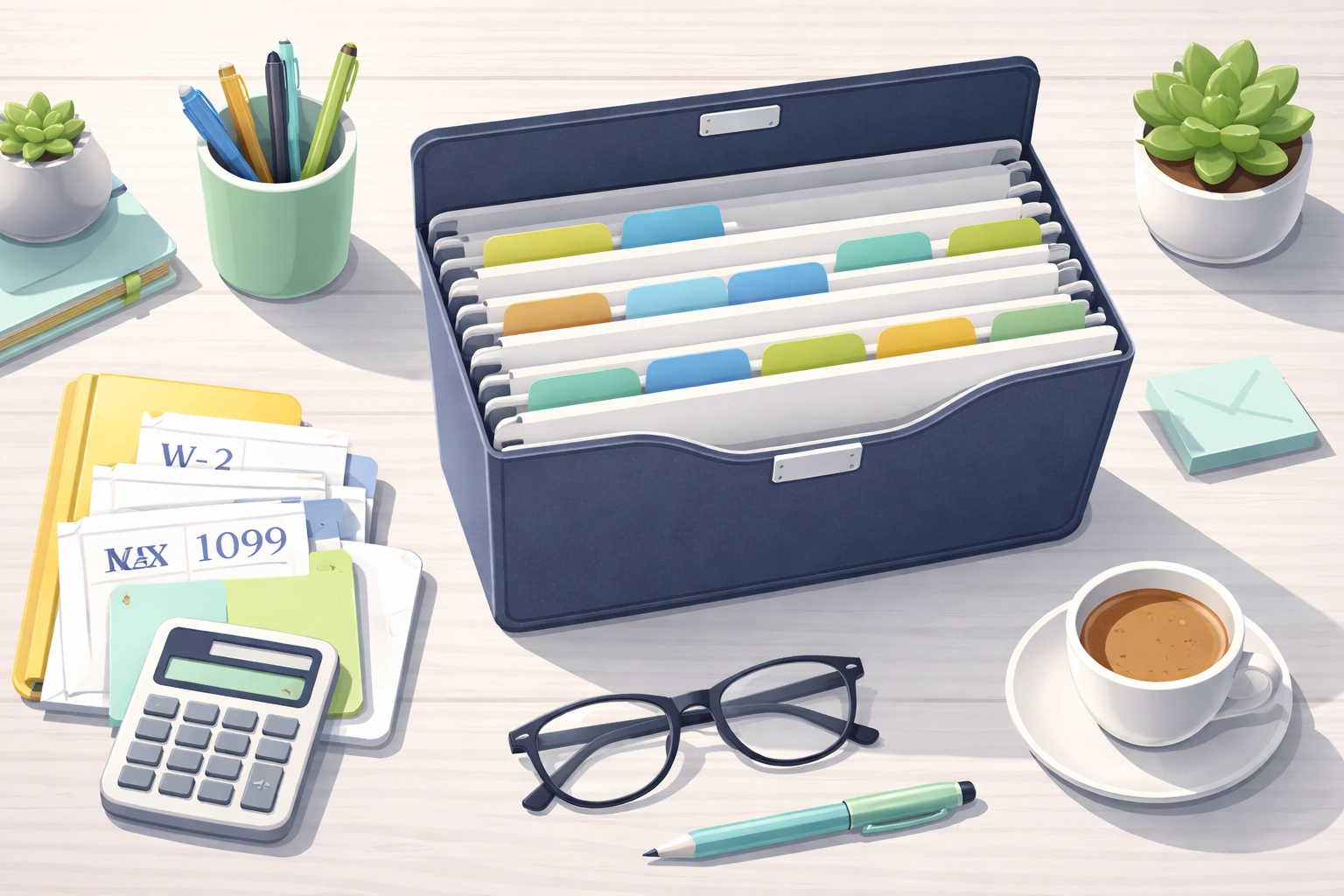
The single biggest mistake people make? Scattering their tax documents across multiple locations. That W-2 ends up on the kitchen counter. The 1099 gets stuffed in a drawer. And those medical receipts? Who knows where those went.
Stop the chaos now. Designate one specific location for all your tax-related documents. This could be:
- A dedicated file folder or accordion file
- A specific drawer in your desk
- A clearly labeled box
- A digital folder on your computer or cloud storage
When important documents arrive: whether it's a W-2 from your employer, a 1099 from a side gig, or a 1098 for mortgage interest: file them immediately. Don't set them aside "to deal with later." That's how documents get lost, and lost documents can lead to missed deductions or filing delays.
Pro tip for New Haven residents: If you receive mail at multiple addresses or have documents coming from Connecticut state agencies, create a checklist of expected documents. Check items off as they arrive so you know exactly what's still outstanding.
Tip #2: Choose Your Organization System: and Stick With It!
There's no single "right" way to organize your tax records. What matters is that you pick a system and commit to it throughout the entire year. Consistency is everything.
Here are some popular methods that work:
- Color-coded folders: Use different colors for different categories (green for income, red for deductions, blue for business expenses)
- Labeled manila folders: Simple, classic, and effective
- Digital file management: Scan everything and organize into clearly named folders
- Binder with dividers: Great for people who like to flip through physical pages
- Apps and software: Tools like Evernote, Google Drive, or dedicated tax organizer apps
Whatever system you choose, organize your documents into the same categories you'll use on your tax return:
- Income (W-2s, 1099s, investment statements)
- Deductions (charitable donations, medical expenses, student loan interest)
- Business/Rental Activities (if applicable)
- Credits (childcare expenses, education credits, energy credits)
When it's time to file: or when you bring your documents to a tax professional: everything will be sorted and ready to go. This can save hours of preparation time and may reduce your tax preparation fees.
Tip #3: Go Digital and Create Secure Backups!
Paper fades. Paper gets lost. Paper gets destroyed in floods, fires, or that coffee spill you didn't see coming. That's why digital backups are essential for smart tax record organization in 2026.
Here's what you should do:
- Scan receipts and documents as you receive them. Don't wait until tax season.
- Use your smartphone. Most phones have built-in document scanning features, or you can download free apps like Adobe Scan or Microsoft Lens.
- Create searchable PDFs. Many scanning apps use OCR (Optical Character Recognition) to make your documents searchable by keyword.
- Store files securely. Use encrypted cloud storage like Google Drive, Dropbox, or iCloud. Enable two-factor authentication for extra security.
- Name files clearly. Use a consistent naming convention like "2025_W2_EmployerName" or "2025_Receipt_CharitableDonation_RedCross."
Important: The IRS accepts digital records as valid documentation, provided they're legible and accurately represent the original. This means you can safely shred paper originals after scanning: though you may want to keep certain documents (like property records or legal documents) in their original form.
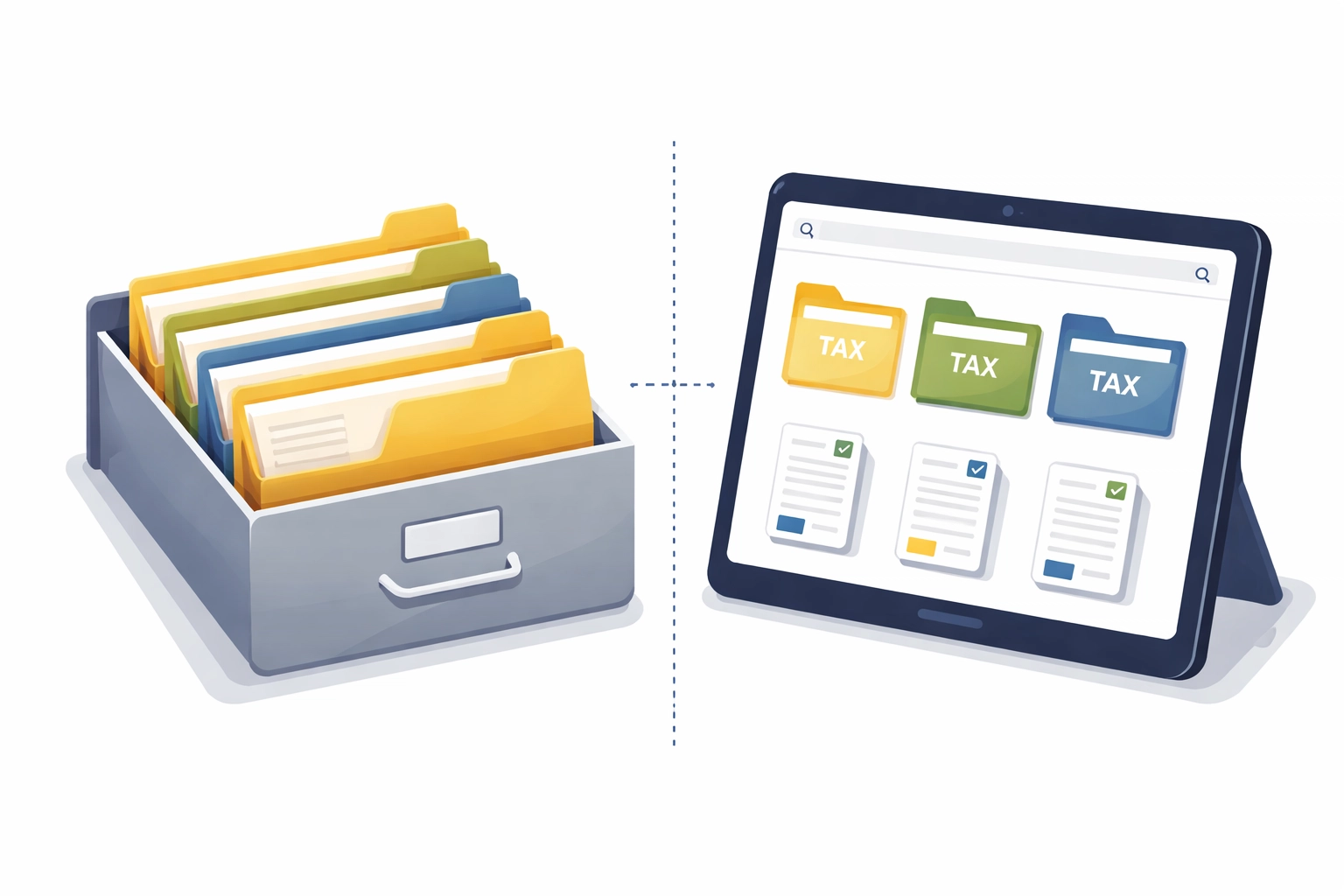
Digital organization isn't just about convenience. It's about protection. If the IRS ever requests documentation for an audit, you'll be able to produce exactly what you need within minutes, not days.
Tip #4: Set Calendar Reminders for Critical Tax Dates!
Missing a tax deadline can lead to penalties, interest charges, and unnecessary stress. The solution? Build tax deadlines into your calendar system now.
Here are the key dates every New Haven taxpayer should mark for 2026:
| Date | What Happens |
|---|---|
| January 31, 2026 | Deadline for employers to mail W-2s and businesses to mail 1099s and 1098s |
| April 15, 2026 | Federal and Connecticut state tax filing deadline |
| April 15, 2026 | Deadline to request a filing extension (Form 4868) |
| June 15, 2026 | Deadline for U.S. citizens living abroad |
| October 15, 2026 | Extended filing deadline (if extension was filed) |
Set reminders at least two weeks before each deadline. This gives you time to gather any missing documents, schedule an appointment with your tax professional, or address any issues that arise.
Warning: Filing for an extension gives you more time to submit your return, but it does not extend your time to pay. If you owe taxes, you should estimate and pay by April 15th to avoid penalties and interest.

Tip #5: Use Last Year's Return as Your Roadmap!
One of the smartest 2026 tax filing tips is also one of the simplest: pull out last year's tax return and use it as a checklist.
Your prior year return tells you exactly what documents you needed, what deductions you claimed, and what credits you qualified for. Compare it against this year's situation:
- Did you have the same employer(s)?
- Did you receive similar 1099 income?
- Did you claim the same deductions (mortgage interest, charitable contributions, student loan interest)?
- Did your family situation change (marriage, children, dependents)?
- Did you start a business or rental activity?
By reviewing your previous return, you can quickly identify:
- Missing documents that haven't arrived yet
- New deductions you may qualify for this year
- Changes that could affect your tax liability
This comparison helps prevent costly errors and ensures you don't miss deductions you're entitled to claim.
Don't have a copy of last year's return? You can request a tax transcript from the IRS using Form 4506-T, or access it through your IRS online account at irs.gov.
Take Action Today: Your Future Self Will Thank You!
Tax record organization isn't something you do once a year during filing season. It's an ongoing habit that pays dividends every single year. When you centralize your documents, commit to a system, create digital backups, set calendar reminders, and use your prior return as a guide, you transform tax season from a source of stress into a manageable task.
Need help getting organized or filing your 2026 taxes? The team at Jose's Tax Service is here to help New Haven families and small business owners navigate tax season with confidence. Whether you need full-service tax preparation or just some guidance on getting your records in order, we've got you covered.
Don't wait until April. Start organizing today, and enjoy a stress-free tax season in 2026!

Leave a Reply
You must be logged in to post a comment.